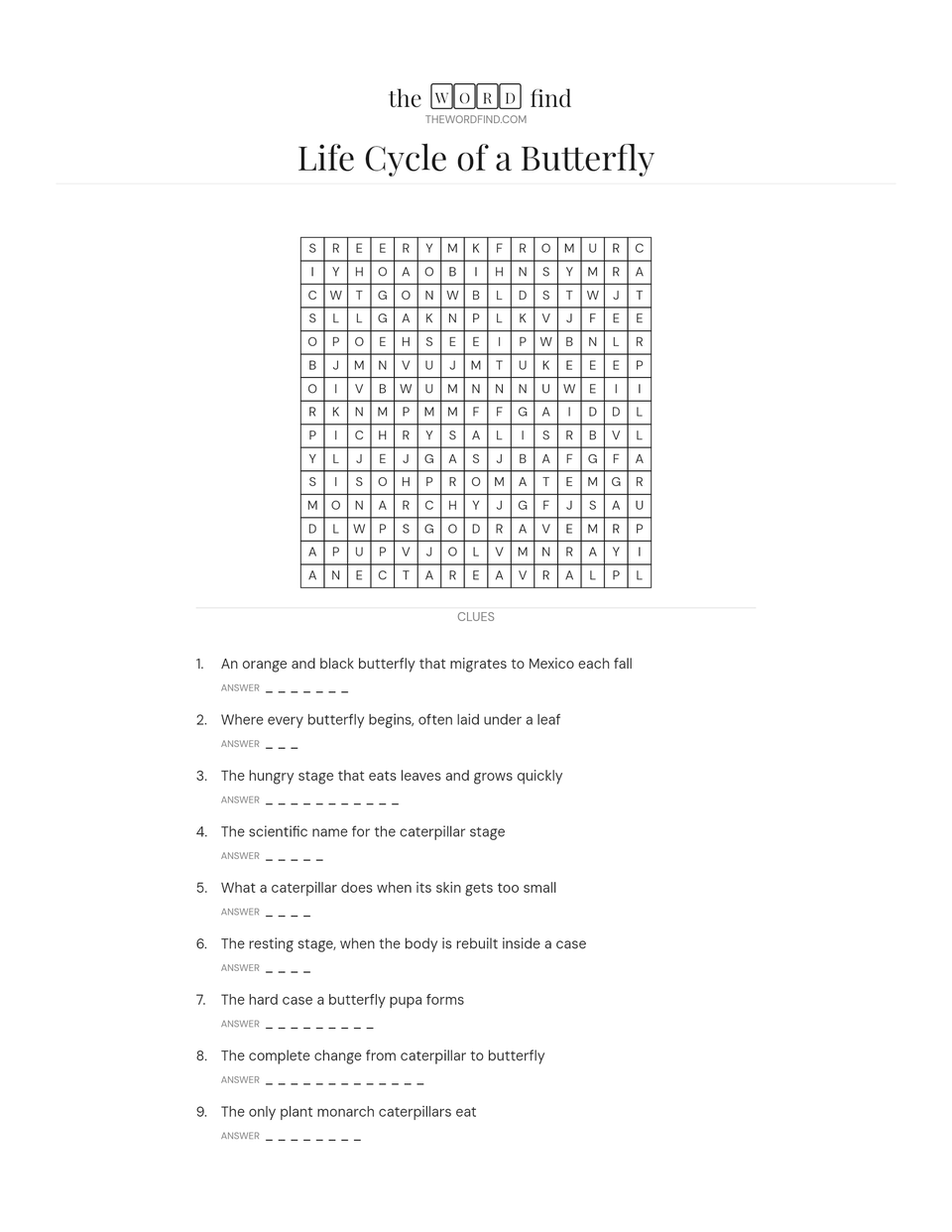
Fits the way you homeschool
- Unit studies
- Studying butterflies, ancient Egypt, or the solar system? Turn your key terms into a puzzle that reinforces what you’ve covered.
- Spelling and vocabulary
- Paste in this week’s list. Younger kids hunt for the words; older kids solve a definition first.
- Independent work
- Something meaningful for one child while you work one-on-one with another.
- Quiet time, travel days and morning baskets
- Learning that doesn’t feel like a lesson, on paper, with nothing to charge.
One puzzle tool, every age at your table
Younger learners: a classic word search from a short, simple list, on a small grid.
Older learners: a trivia word search, where they have to know the word from its clue before they can find it.
Same topic, two levels, so siblings can work on the same unit side by side.
How it works
-
Enter your words
Add each word with a clue, or switch to Classic word search and paste a plain list.
-
Choose a grid size
Smaller grids for little ones, bigger grids for a real challenge. Create, and the puzzle is built for you.
-
Print and solve
Download a printer-ready PDF, plus a color answer key for checking.
Ready-made puzzles
Browse puzzles by topic, print one as it is, or open it and change the words to fit your lesson.
Questions homeschool parents ask
Is it free? Do I need an account?
Yes, it's free, and you can make and print a puzzle without an account. A free account lets you save your printable puzzles to edit or reprint later.
Can I use it with my curriculum?
Yes. You type in the words and clues, so it works with any curriculum, unit study or reading list. Use this week's spelling words, the vocabulary from a science chapter, or questions about the book you're reading together.
What ages is it for?
Any age that can read. Younger children do well with a classic word search: a short list of words on a small grid. Older children get more from a trivia word search, where they have to know the word from its clue before they can find it.
Is there an answer key?
Yes. One click downloads a color answer key with every word marked in the grid and every answer listed underneath, so checking work takes seconds.
How many words can I use?
At least 12, and more as the grid gets bigger: up to 33 words with clues in a trivia word search, and up to 75 in a classic word search. Long clue lists simply continue onto a second page.
What format are the downloads?
PDF, sized for US Letter paper, so the puzzle and answer key print at the right size at home. A PNG image is available too.
Can my kids solve it on a tablet instead of paper?
Printable puzzles are made for paper. With a free account, you can build the same puzzle to play on the site and share a link with your kids.
Can I save a puzzle to reuse with a younger sibling later?
Yes. Save it to a free account and you can reprint it anytime, or open it and change the words to fit a different age.